


Log Cam: RAW 4K Video Camera
Log Cam is an iPhone camera app for shooting 4K log video, with seven log profiles, ProRes, a LUT preview and recording straight to an external SSD.
Free trialProprietaryiOS Verified
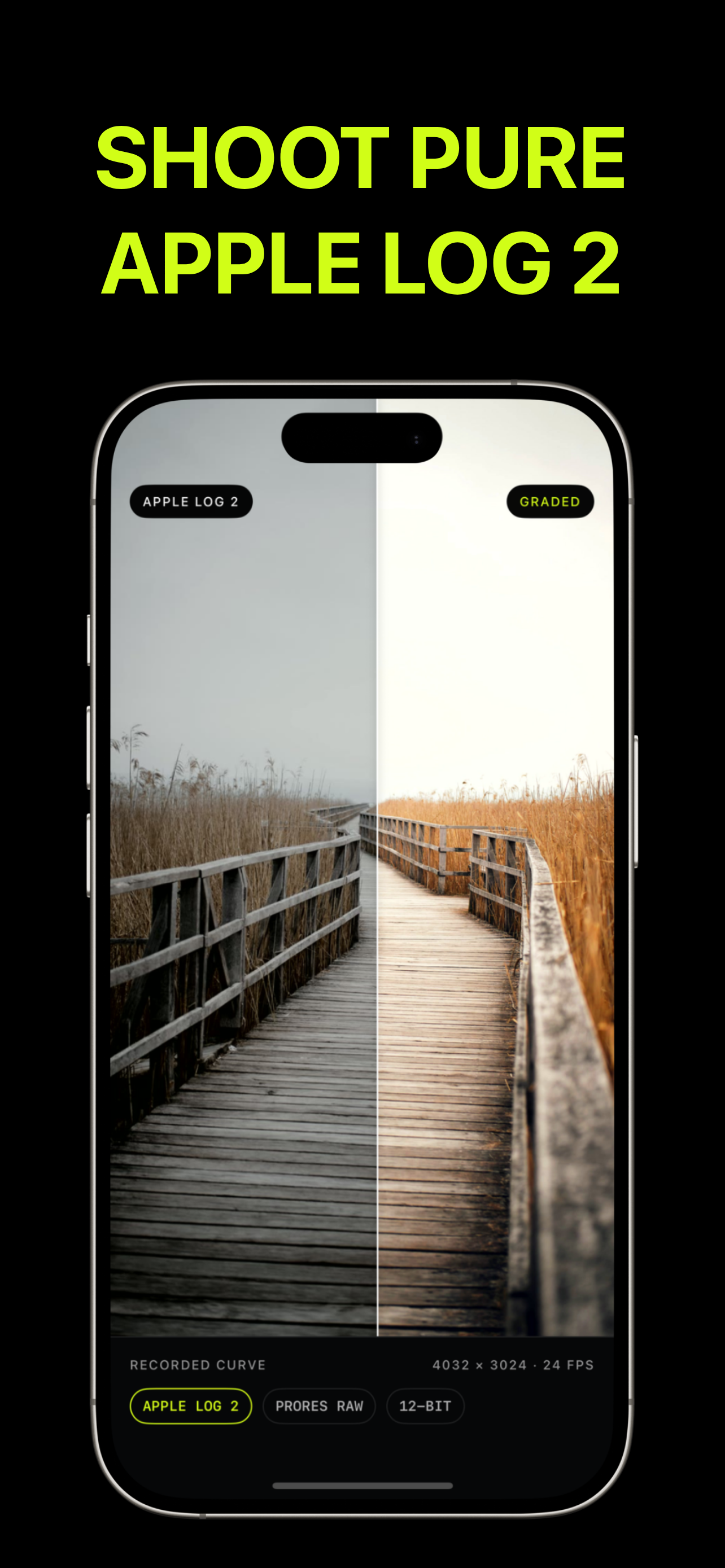
About Log Cam: RAW 4K Video Camera
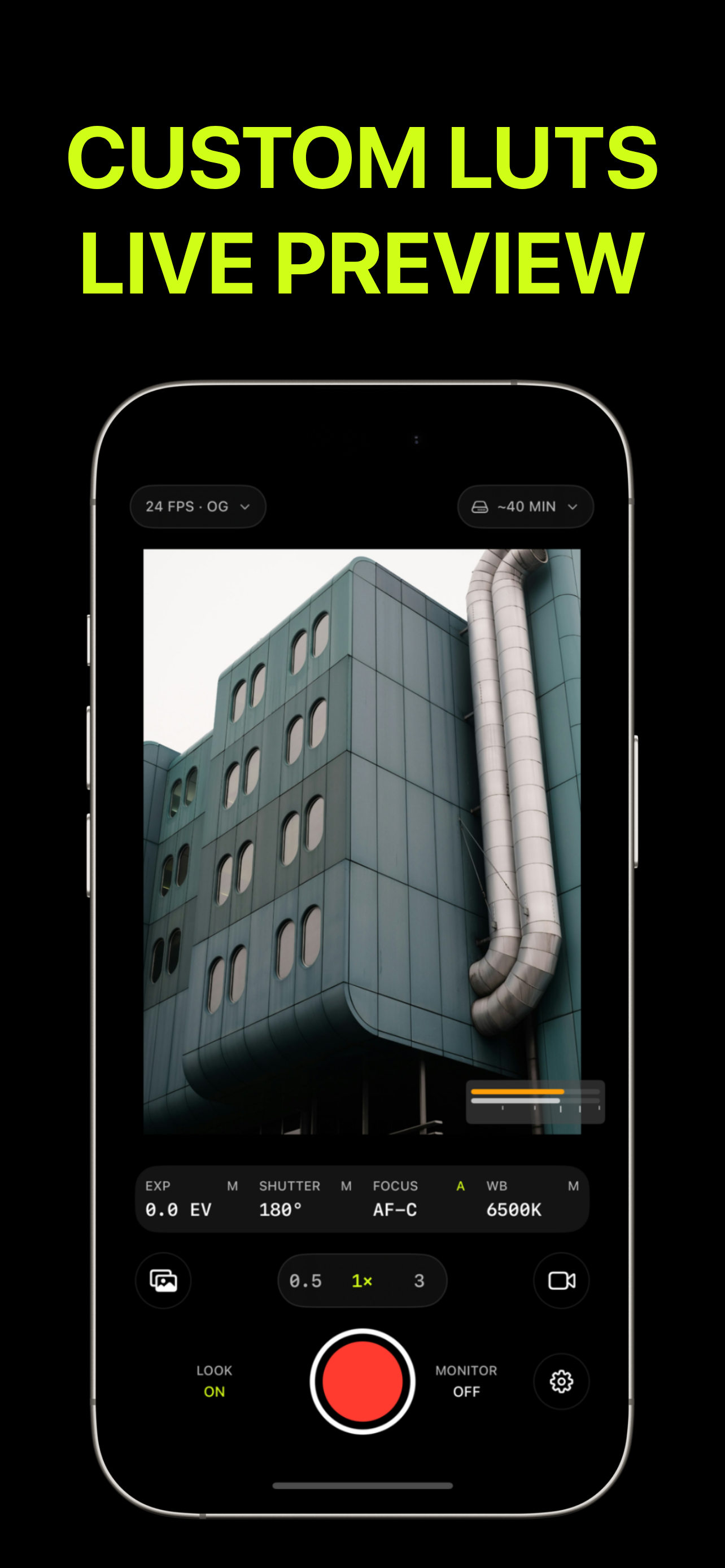
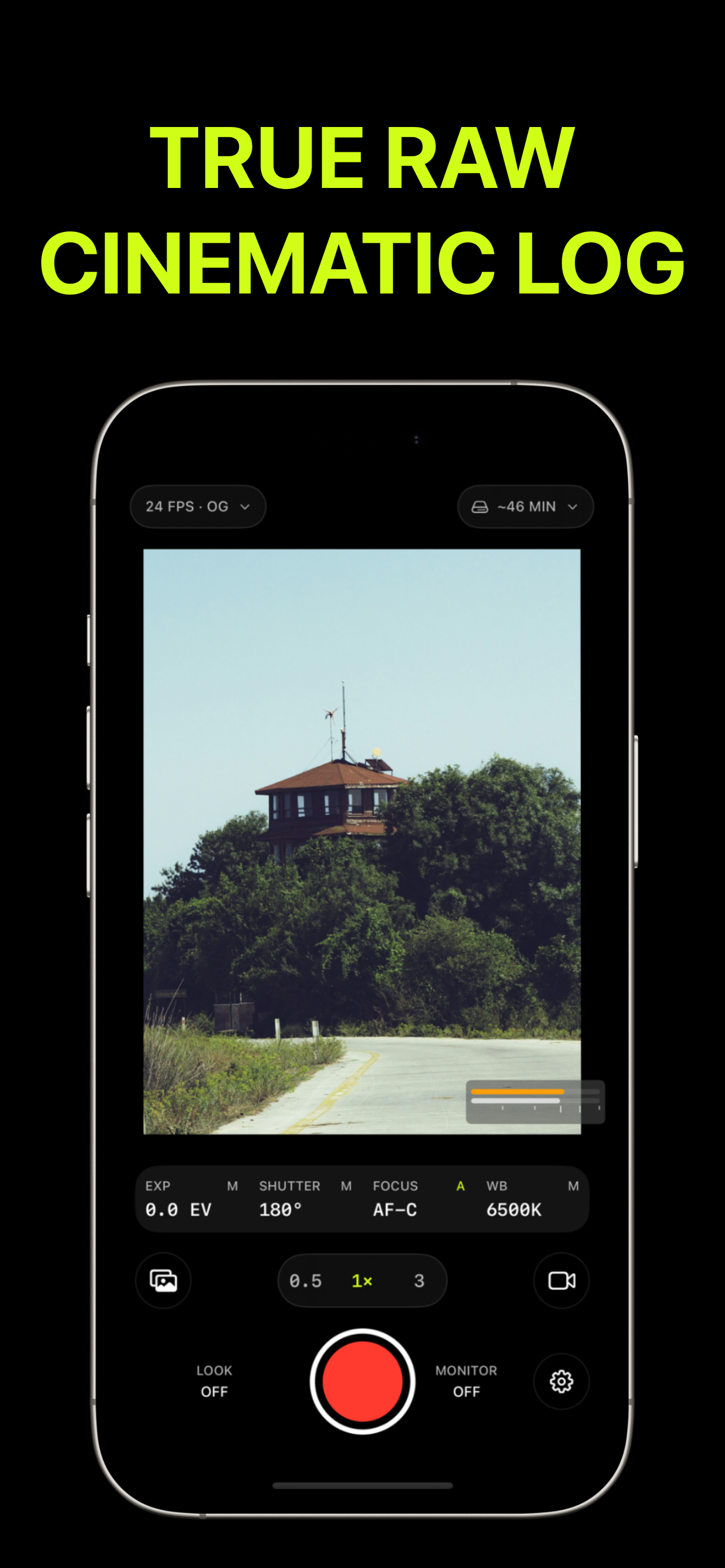
Log Cam records Apple Log, Apple Log 2, S-Log3, Log-C3, V-Log, F-Log and F-Log2, in ProRes 422 HQ, 422 or 422 LT, or 10-bit HEVC at 30 to 500 Mbps. You can import a .cube LUT to preview the graded picture and choose whether to record the plain log signal or bake the LUT in.
Exposure tools include a linear histogram, zebras at an IRE threshold you set and false color, with manual ISO, shutter and white balance. Clips can be recorded directly to an external SSD or hard drive and reviewed in the app's own gallery before export. The App Store lists a 4.7 rating from 53 ratings.
Key features of Log Cam: RAW 4K Video Camera
- Seven log profiles
- Apple Log, Apple Log 2, S-Log3, Log-C3, V-Log, F-Log, F-Log2.
- ProRes and HEVC
- ProRes 422 HQ/422/LT or 10-bit HEVC up to 500 Mbps.
- LUT preview
- Import .cube LUTs; record log or bake the LUT in.
- Exposure tools
- Histogram, zebras and false color.
- External recording
- Record directly to an SSD or hard drive.
- Clip gallery
- Review and export clips in the app.
What Log Cam: RAW 4K Video Camera is used for
- Colour-graded iPhone filmmaking
- Matching iPhone footage to cinema cameras
- Recording long takes to an SSD
Who it suits
- Filmmakers and videographers
- Content creators shooting on iPhone
Log Cam: RAW 4K Video Camera pros and cons
Strengths
- Log on iPhones without native Apple Log
- Many professional log profiles
Limitations
- iPhone only
Editorial summary based on the product's official information.
Alternatives to Log Cam: RAW 4K Video Camera
The closest matches by category, features and platforms.
No alternatives have been mapped for Log Cam: RAW 4K Video Camera yet.
Frequently asked questions about Log Cam: RAW 4K Video Camera
Which log profiles does Log Cam support?
Apple Log, Apple Log 2, S-Log3, Log-C3, V-Log, F-Log and F-Log2.
Can it record to an external drive?
Yes, directly to a connected SSD or hard drive.
Does it support LUTs?
Yes, you can import .cube LUTs for preview or burn them in.
Is Log Cam: RAW 4K Video Camera free?
Log Cam: RAW 4K Video Camera is a paid product with a free trial (pricing: Free trial, One-time purchase).
What platforms does Log Cam: RAW 4K Video Camera support?
Log Cam: RAW 4K Video Camera is available on iOS.
Is Log Cam: RAW 4K Video Camera open source?
No. Log Cam: RAW 4K Video Camera is distributed under a Proprietary license.
What kind of software is Log Cam: RAW 4K Video Camera?
Log Cam: RAW 4K Video Camera is listed under Video Editing. Log Cam is an iPhone camera app for shooting 4K log video, with seven log profiles, ProRes, a LUT preview and recording straight to an external SSD.
Reviews
Used Log Cam: RAW 4K Video Camera? Share what worked and what didn't to help others decide.
Similar software
 Free planWindows, macOS, Linux +1Free plan
DaVinci ResolveVideo Editing
All-in-one post-production software combining video editing, color grading, VFX, motion graphics, audio post, and photo tools with collaboration and AI.
 PaidWindows, macOSPaid
Adobe Premiere ProVideo Editing
Adobe Premiere Pro is a professional video editor for Windows and macOS to cut, add effects, mix audio, animate titles, and speed workflows with AI.
 Open sourceWindows, macOS, LinuxOpen source
KdenliveVideo Editing
Kdenlive is a free, open-source non-linear video editor for Windows, macOS, Linux, and BSD, covering the workflow from media ingest to final export.
 Free planWindows, macOS, Android +2Free plan
CapCutVideo Editing
CapCut is an AI-powered video editor and design toolkit to create social videos, images, and audio with templates, auto captions, and HD export on web, desktop, and mobile.
 Open sourceWindows, macOS, LinuxOpen source
ShotcutVideo Editing
Free, open-source video editor for Windows, macOS and Linux with wide format support, no-import timelines, 4K editing and HDR tools.
- Open sourceWindows, macOS, LinuxOpen source
OpenShotVideo Editing
OpenShot is a free, open-source video editor for Windows, macOS and Linux, with timeline editing, keyframes, transitions, titles and screen recording.
