


KerfPress
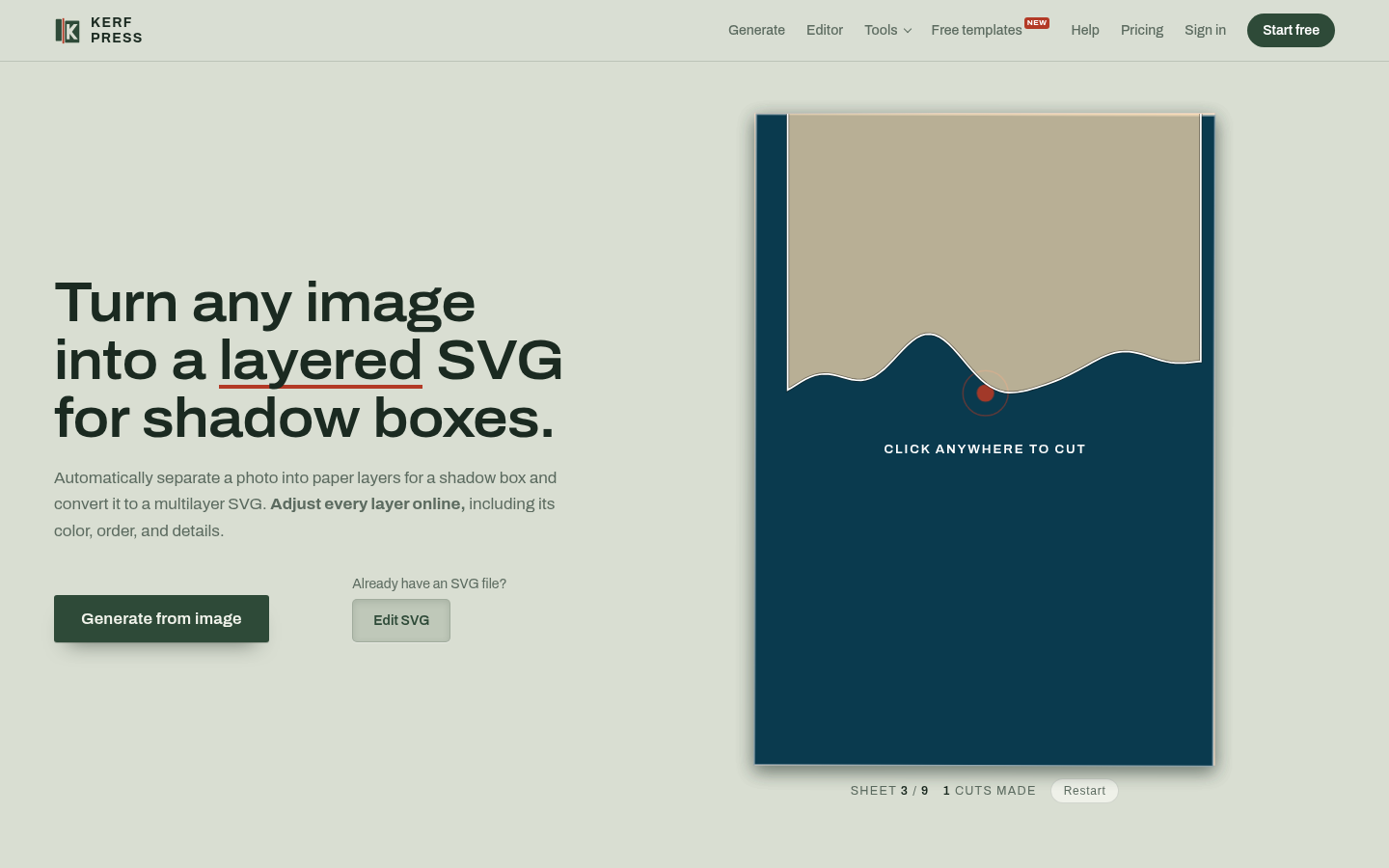
KerfPress turns a photo or drawing into a layered papercut SVG for 3D shadow boxes, with an online layer editor, 3D preview and files for Cricut or Silhouette.
Free planWeb Verified
About KerfPress
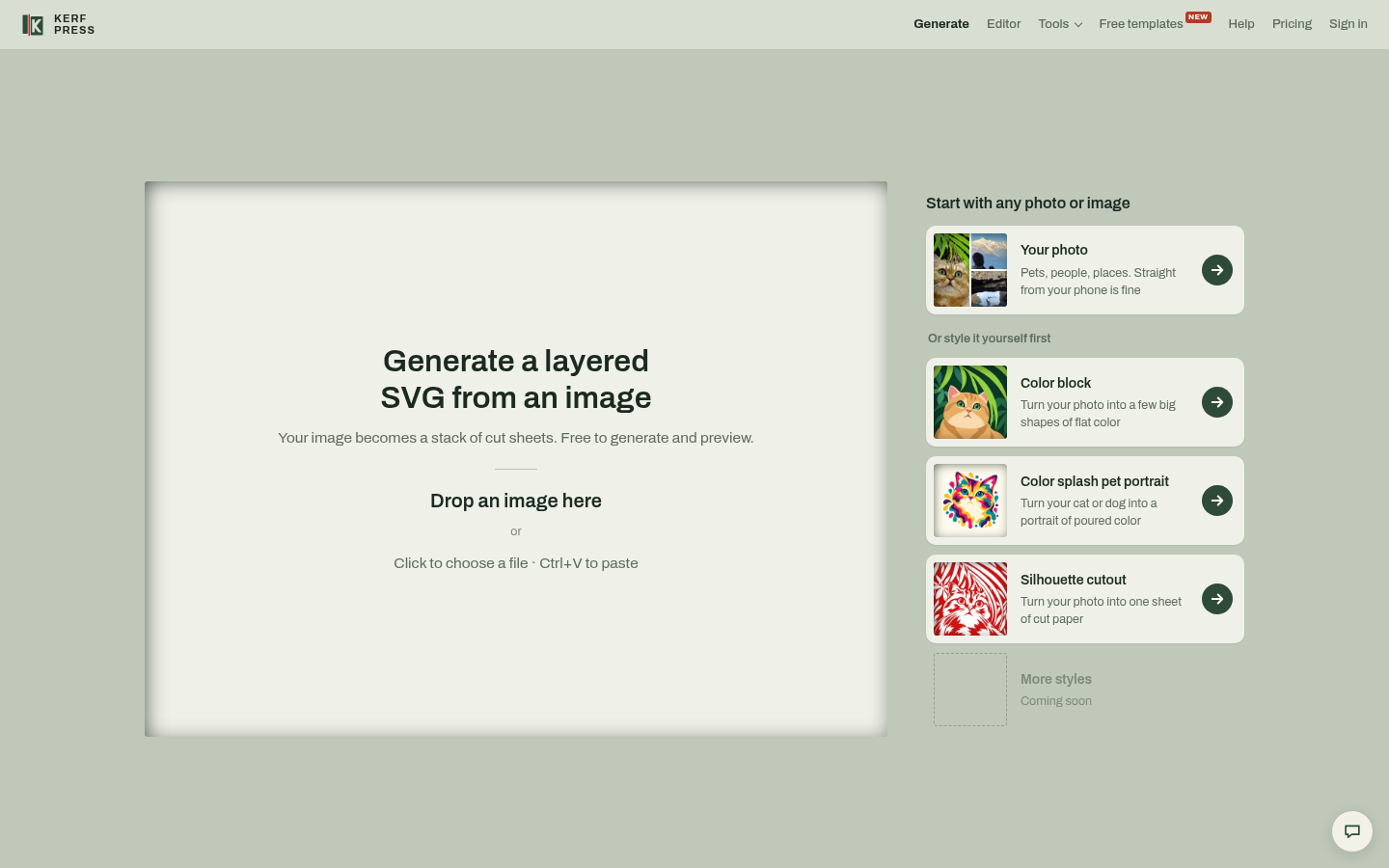
Upload an image and KerfPress simplifies it into flat color shapes, separates it into stacked paper layers and generates a multilayer SVG with assembly instructions. Settings such as width and minimum paper width control the result, and you can change each layer's cardstock color, order and paths before downloading.
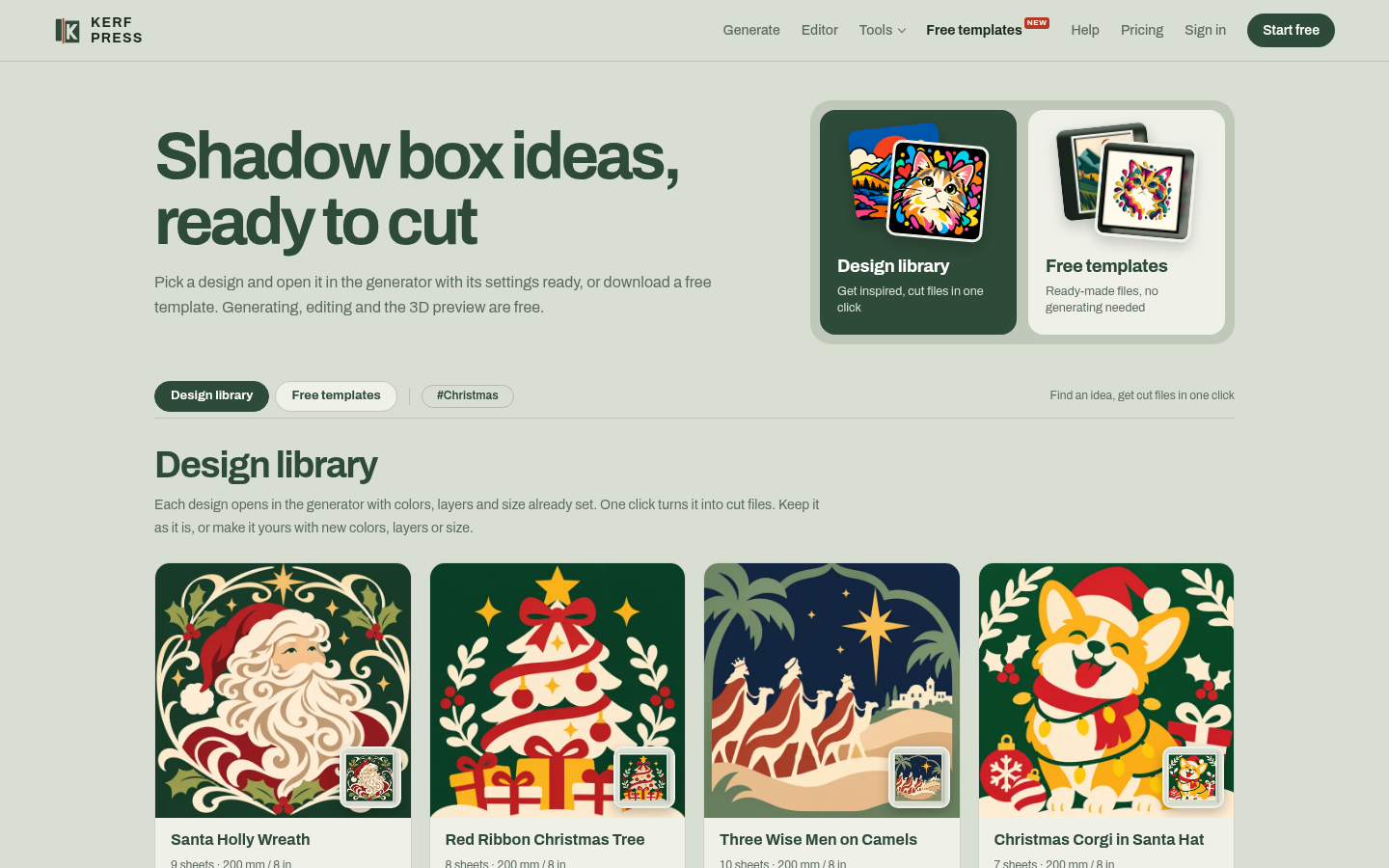
The free online editor handles bridges, islands and decals, and free browser tools preview a layered SVG in 3D, add bridges, convert stacked SVG art into shadow-box sheets and resize a design for a frame without uploading the file. Output works with Cricut, Silhouette, Brother and Siser machines or hand cutting.
Key features of KerfPress
- Photo to layered SVG
- Automatic separation into paper layers.
- Layer editor
- Colors, order, paths, bridges and islands.
- 3D preview
- See the stacked box with light and shadow.
- Free SVG tools
- Add bridges, resize, convert SVG to shadow box.
- Cutter compatible
- Cricut, Silhouette, Brother, Siser or by hand.
What KerfPress is used for
- Personal shadow box gifts from photos
- Papercraft projects
- Preparing files for a cutting machine
Who it suits
- Papercraft hobbyists
- Cricut and Silhouette owners
- Craft sellers
KerfPress pros and cons
Strengths
- Custom designs from your own photos
- Several free in-browser tools
Limitations
- Generating from images requires an account
Editorial summary based on the product's official information.
Alternatives to KerfPress
The closest matches by category, features and platforms.
No alternatives have been mapped for KerfPress yet.
Frequently asked questions about KerfPress
Does KerfPress work with Cricut?
Yes, and with Silhouette, Brother, Siser or hand cutting.
Can I edit my existing SVG?
Yes, in the free online editor.
Are files uploaded by the free tools?
No, the free tools open files in your browser.
Is KerfPress free?
KerfPress has a free plan with paid upgrades (pricing: Freemium).
What platforms does KerfPress support?
KerfPress is available on Web.
What kind of software is KerfPress?
KerfPress is listed under Image Editing. KerfPress turns a photo or drawing into a layered papercut SVG for 3D shadow boxes, with an online layer editor, 3D preview and files for Cricut or Silhouette.
Reviews
Used KerfPress? Share what worked and what didn't to help others decide.
Similar software
 Free planWindows, Android, WebFree plan
FotorImage Editing
Fotor is a free online photo editor with AI tools to enhance, retouch, remove backgrounds and objects, add text and effects, and export to common formats.
 Free planWebFree plan
Let's EnhanceImage Editing
Let's Enhance is an online AI image tool that upscales, sharpens, restores and enhances photos, with up to 16x upscaling and an API for developers.
 PaidPaid
PebblelyImage Editing
Pebblely is an AI product photography tool that places product shots into new backgrounds and scenes for listings, social posts and ads.
 Free planAndroid, WebFree plan
PixlrImage Editing
Free online AI photo editor and image generator with background removal, generative fill, face swap, collage tools and AI image and video creation.
 One-time purchaseOne-time purchase
Luminar NeoImage Editing
Luminar Neo is an AI photo editor for PC and Mac with raw editing, portrait retouching, sky replacement and upscaling, sold as a one-time purchase.
 SubscriptionWindows, Android, WebSubscription
PicsartImage Editing
Picsart is a creative platform for editing photos and making images and videos, with access to 180+ generative AI models and template libraries.